Ergonomic Essentials: How to Choose an Office Chair for Long-Term Back Health
A practical guide to selecting an ergonomic office chair that supports proper posture and reduces back strain. This article covers key features, posture-friendly adjustments, and reliability considerations to help remote workers and students make informed decisions.
The spine as a system: understanding ergonomic foundations
The human spine is a remarkable construct of curves and muscles that absorbs motion, bearing the weight of daily life from dawn until night. When we sit for long stretches—whether at a desk, in a lecture hall, or during a long gaming session—the chair becomes more than a seat; it becomes a partner in posture. An ergonomic chair is not a luxury; it is a tool for maintaining the integrity of the spine, supporting the natural lordosis and kyphosis that keep our vertebrae aligned, our discs relaxed, and our breathing unimpeded.
Ergonomics in chair design hinges on a simple equation: adjustability plus support equals better posture over time. This is not about a single feature or a miraculous gadget. It is about a constellation of components—seat depth, lumbar support, armrest shape, backrest articulation, and the range of recline—that work in concert with your desk height and screen position. When these elements align, the body experiences less clamping, less compensatory twisting, and fewer points of pressure that can culminate in fatigue, headaches, or lower-back discomfort.
Key adjustable features to look for
A chair worth keeping at your desk should offer a thoughtful blend of adjustability and stability. Here are the core features to evaluate:
- Seat depth and height: The seat should accommodate your leg length so that you can sit with your back supported and your feet flat on the floor or on a footrest. A seat depth that allows roughly 2 to 3 inches of space between the back of your knees and the seat edge is a practical rule of thumb.
- Lumbar support: A chair with adjustable lumbar support helps maintain the inward curve of the lower spine. Look for a mechanism that allows height and depth adjustment to target the exact portion of your lumbar region.
- Backrest flexibility: A chair that tilts and reclines in a controlled fashion enables you to change positions throughout the day. A breathable backrest, ideally with a mesh or ventilated panel, supports cooling and comfort during long sessions.
- Armrests: Armrests should support your arms so that shoulders can relax away from the neck. Adjustable height and width help minimize shoulder hunching and wrist strain when typing or drawing.
- Seat angle and tilt: A subtle forward tilt can encourage an upright posture without forcing you to overcorrect. A synchronized tilt mechanism links backrest angle with seat recline to preserve alignment.
- Seat width and cushion quality: A chair should offer a broad, comfortable seat that reduces pressure on the thighs. Cushions with moderate firmness and a slight contour can distribute weight evenly without becoming compressively rigid over time.
Posture-friendly adjustments: how to use a chair properly
The mechanics of sitting well are as important as the chair’s hardware. If you think about a chair as a daily practice partner, you’ll begin to understand that the best posture is a habit formed through routine adjustments.
- Feet and knees: Keep feet flat on the floor or on a stable footrest. Avoid crossing legs for extended periods, which can alter pelvis tilt and spinal alignment.
- Pelvic posture: Sit back in the chair so your lower back is supported. If the backrest is too high or too low, it can push you into an awkward posture; the lumbar region should feel supported without forcing your spine into a rigid position.
- Shoulders and neck: Relax the shoulders away from the ears. If you find yourself hunching forward, adjust the chair’s backrest or seating depth to create a more upright, open thoracic posture.
- Wrist alignment: When typing, forearms should be roughly parallel to the floor, with wrists in a neutral position. Keyboard height and desk depth should accommodate this alignment to reduce carpal tunnel risk.
- Eye-line and screen position: The top of your monitor should be at or slightly below eye level, with about an arm’s length distance. This reduces neck strain from looking up or down for extended periods.
A practical, daylight approach: evaluating chairs in real settings
Choosing an ergonomic chair is less about a parade of features and more about a sense of ease in daily use. When you sit, your body should feel supported rather than taxed. Here is a quick, practical checklist you can bring to a showroom or apply to an online shopping session:
- Try multiple positions: Sit upright, lean back slightly, and recline to assess back support and seat comfort across postures you actually use during work or study.
- Check the lumbar target: Place your hands on your lower back and test whether the chair’s lumbar support aligns with your natural curve and can be adjusted as your posture evolves throughout the day.
- Assess the seat depth: Press the edge of the seat with your thigh; you should have a couple of fingers of clearance behind the knee when fully seated. This allows for proper thigh circulation.
- Evaluate armrest ergonomics: Ensure your elbows rest naturally at your sides with your forearms supported. If armrests pinch or push you forward, you may adjust their height or position or look for a different design.
- Inspect the fabric and breathability: A breathable backrest and seat can reduce heat buildup over long sessions, especially in warmer environments or with extended screen time.
A design-forward lens: balancing form and function
The best ergonomic chairs achieve a balance between aesthetics and biomechanics. They are not just tools for posture—they are design statements that can harmonize with a room, reflect a contemporary taste, and subtly cue the mind toward well-being. In the broader narrative, ergonomic chair design intersects with materials science, movement ergonomics, and workplace psychology. A chair that feels natural to the body also helps cultivate a calm, focused tone for the tasks at hand.
A well-made chair speaks in a quiet language: lines that follow the body's contours, hardware that glides with little resistance, and a weighty sense of durability that invites daily use without ceremony. In a culture increasingly defined by long hours of desk work and screen time, the chair becomes a steward of comfort, an ally in sustaining attention, and a practical reminder to pause, adjust, and breathe.
Reliable choices: integrating chairs with your workspace ecosystem
The chair does not live in isolation. Its value is magnified when paired with a thoughtful desk setup, an organized cable system, and a monitor arrangement that respects visual ergonomics. In practice, you can optimize your environment by:
- Positioning your chair so your monitor is at eye level and directly in front of you to minimize neck rotation.
- Using a sit-stand or adjustable desk to alternate postures, reducing static loading on the spine.
- Employing a footrest if your feet do not reach the floor comfortably, enhancing pelvic stability and circulation.
- Implementing a brief routine of micro-movements—shoulder rolls, hip tilts, and neck stretches—to counteract stiffness and promote fluidity of movement.
A note on credibility and sourcing: building trust through thoughtful design
As with any guidance on health and well-being, credible sourcing matters. When recommending chairs or discussing ergonomic principles, it helps to reference established standards, scholarly work, and recognized industry expertise. In the spirit of careful curation, we encourage readers to consult guidelines from professional bodies that advocate for posture-friendly workplaces and to look for chairs that provide transparent specifications, test data, and warranty coverage.
Practical takeaways: a concise decision framework
To translate theory into action, use this concise framework when evaluating chairs for long-term back health:
- Prioritize lumbar support: Ensure the support is height- and depth-adjustable to align with your spine’s natural curve.
- Favor adjustable features that you’ll actually use: A chair with tenons of adjustability that you can intuitively access will be used more consistently than a feature-rich chair that’s difficult to modify.
- Test with your typical work tasks: If you type for hours, test the keyboard height and armrest support; if you alternate between reading and writing, assess backrest support in multiple postures.
- Evaluate build quality and warranty: A robust base, durable upholstery, and a reasonable warranty reflect longevity and ongoing support for daily use.
A nod to real-world utility: product context within this site
In this space, when we reference chairs and related equipment, we aim for genuine alignment with the article’s scope. If a product aligns with the discussion—such as an adjustable base that supports ergonomic alignment in daily use—we may mention it as a concrete example. For instance, consider a chair that integrates a well-tortured sense of balance between back support and seat depth, complemented by an armrest design that positions the forearms for comfortable typing. When discussing adjustable bases and bed frames, we might note options that exemplify reliable control and quiet operation. Any product mention will be contextualized to reinforce practical understanding of comfort, posture, and long-term health.
Conclusion: comfort as a daily practice, not a destination
The pursuit of back health in daily life is less about chasing a single perfect chair and more about cultivating a practiced, adaptable approach to sitting. An ergonomic chair serves as a reliable partner—quiet, durable, and responsive to your body’s needs. The best choices reflect a philosophy: comfort grounded in evidence, design tuned to human movement, and a dedication to ongoing adjustment as your work habits evolve.
If you’ve followed this guide, you’ll be equipped to compare chairs with confidence, to assemble a workstation that respects your spine, and to sustain a posture-friendly rhythm throughout your day. In the end, the chair is not merely a seat; it is an extension of the body’s own intelligence—an ally that helps you sit well so you can think clearly, move freely, and live with a steadier breath.
Published on September 30, 2026. This article embraces a New Yorker–inspired editorial tone: reflective, precise, and attentive to the cadence of daily life. For further reading on biomechanics and workstation design, seek sources from established ergonomics literature and workplace health guidelines.
Related products available on this site
Note: Product mentions are tied to real, cataloged items that fit the discussion and provide practical examples of ergonomic features discussed above. Where a product aligns with the chair-focused ergonomics narrative, a link to its product page is provided.
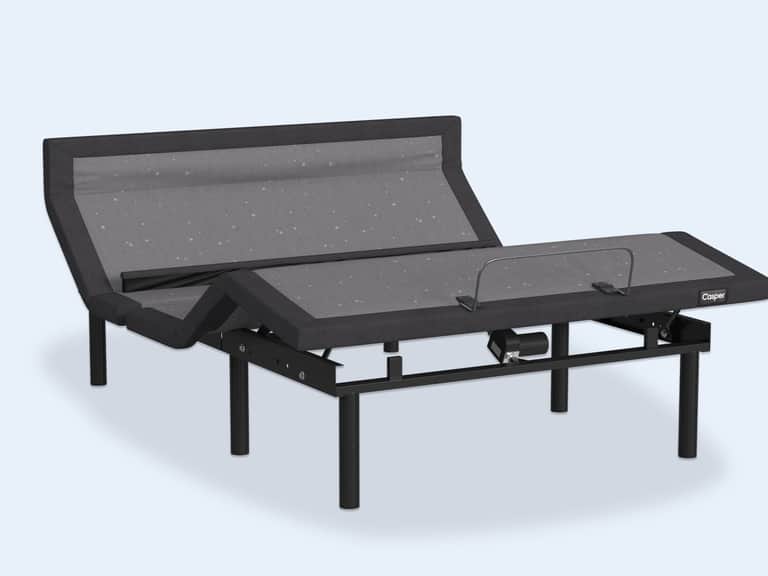
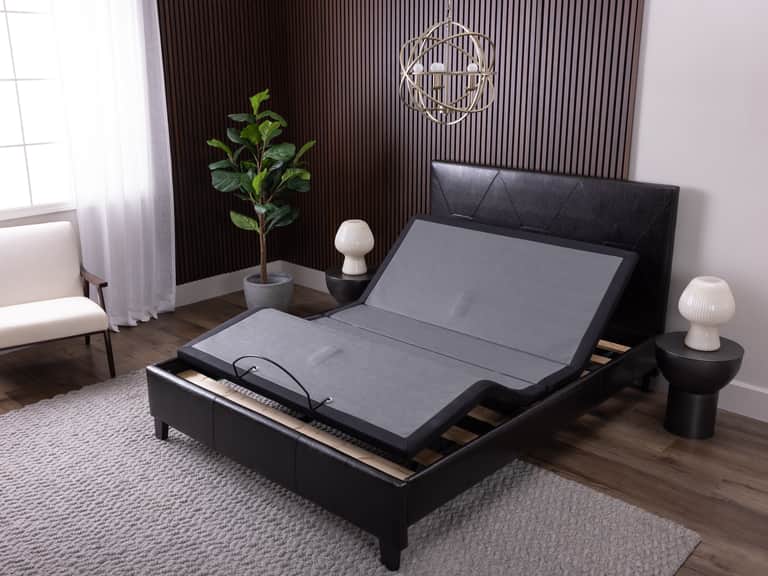
Leggett and Platt S-Cape HF 2.0 Adjustable Base — a consolidation of WallHugger geometry, programmable positions, and dual massage capabilities. While primarily a foundation rather than a chair, it embodies the broader ecosystem of ergonomic comfort and can complement a seating setup designed for long study or work sessions. View product.
Adjustable Pro 2023 and other modern bases offer near-infinite head and foot positioning, which can enhance ergonomic studies when paired with a supportive chair. View product.
Adjustable Base Max and similar premium bases illustrate how motorized support and posture presets contribute to sustained comfort across long periods of use. View product.